


Chances are you put a lot of effort into your social media marketing. But how do you get your posts to stand out from the crowd?
With a mind-blowing 95 million posts per day just on Instagram, your best chance at making your content perform well across all of your social media platforms is to use hashtags.
This guide will help you better understand the role of hashtags in social media, how to select the right hashtags for your brand, and how to use hashtags across the most popular social media platforms. Without further ado, let’s get started!
What Is a Hashtag?
You’ve probably heard of a hashtag (#). Baby Boomers, Gen Xers, and Millennials might know the hashtag as the “pound sign” on telephones.
Well, hashtags have found a new function in the 21st century. Now, you can tag social media content using hashtags. This enables other users to see a collection of related content when they click on the hashtag. You simply put the # sign in front of the words you want to use.
For example, if you are a shoe retailer you might tag #skateshoes or #formalshoes when you post an image of those types of shoes.
Why Use Hashtags?
Hashtags improve the user experience and help brands widen their reach. For instance, Tweets with hashtags get twice the engagement than Tweets without.
Hashtags started on Twitter, but they are found across virtually all social media platforms now. In fact, using hashtags as part of your universal social media strategy can help you easily secure 21% more engagement.

Hashtags are a handy way to organize content on social media. They help prospective customers and users find what they are looking for.
Which Hashtags Are Suitable for Your Brand?
Hashtags are customized and unique to each business. It’s important to stick to this philosophy. A shoe business wouldn’t want to mislead customers and users by posting a Tweet about a shoe sale using the hashtag #veterinarymedicine.
Some people mistakenly believe that spamming each of their posts with popular, but completely unrelated hashtags will help them improve their reach.
This might be true in the short term, but ultimately if your hashtags aren’t at least tangentially related to the subject of your post or other content, you might end up alienating and confusing your audience.
So, the best hashtags to use are those that relate to your industry, product, and target audience.
You may also use hashtags to signal your business’s beliefs and values in a succinct way. Some brands opt to do this in their social media profiles.
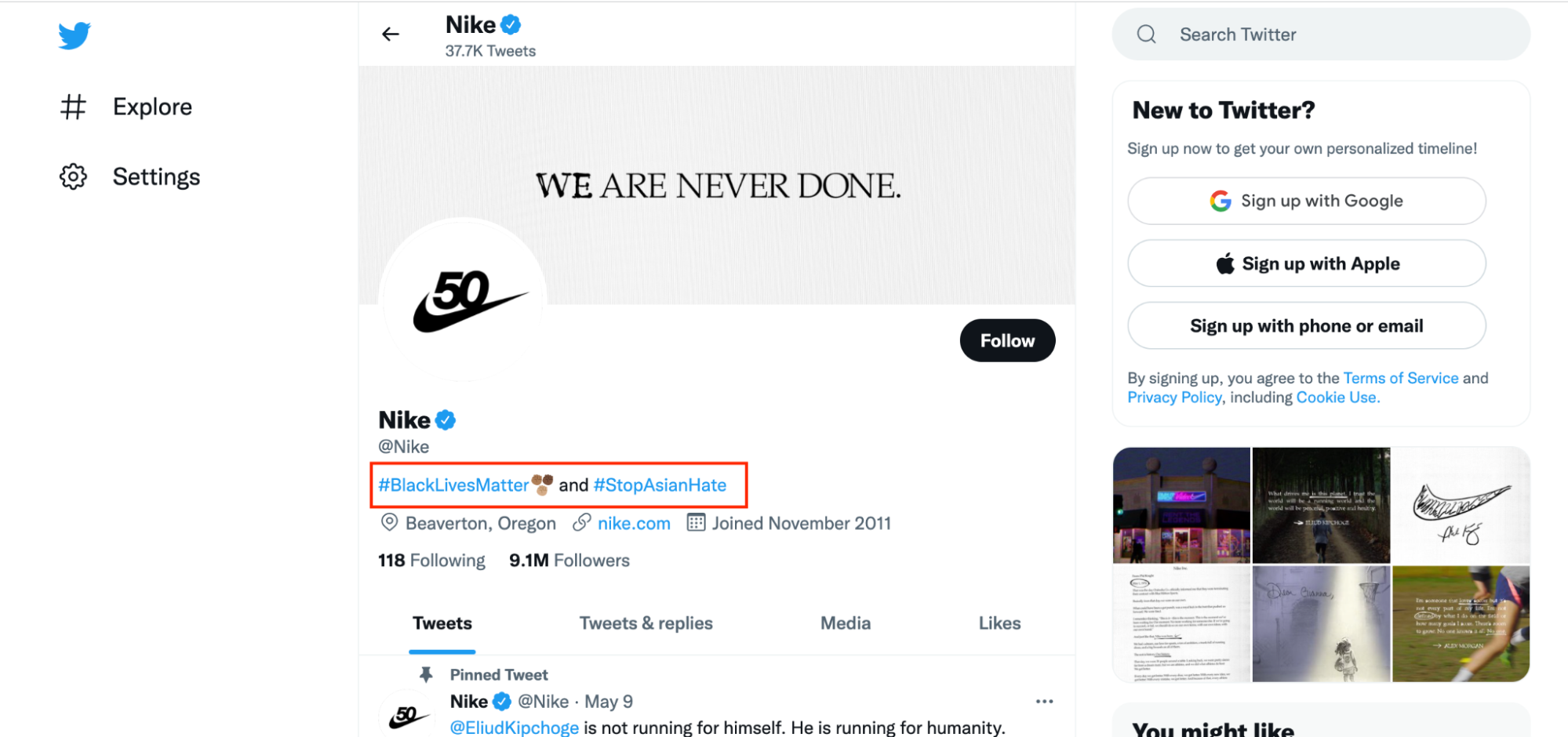
To find good hashtags, take a look at what other businesses in your industry are using. On many platforms, the auto-fill hashtag feature generates related hashtags automatically when you type even just the beginning of a word or phrase.
For example, as you create a post, type in #shoes, and many platforms will automatically generate related hashtags.
You can also use our Social Media Tracker to see what hashtags are performing best for your competitors. This will save a huge amount of time on choosing the best hashtags for your exact industry.
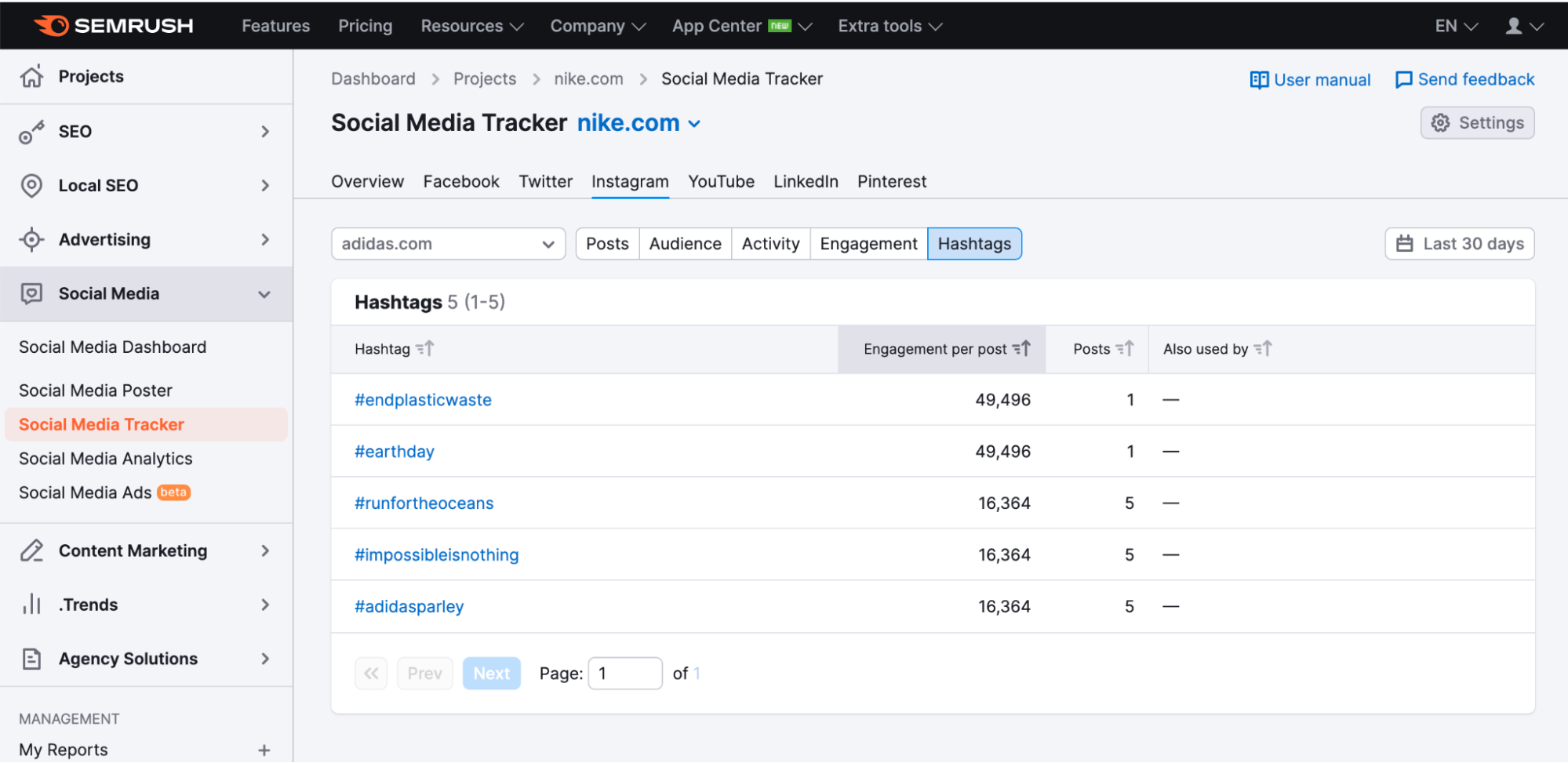
How to Use Hashtags on Your Social Media Platforms
Each platform has slightly different best practices when it comes to hashtags. There are also some consistent hashtag rules across most platforms:
- Hashtags must be one word
- Numbers are allowed
- Spaces are not allowed
- Special characters are not allowed
Let’s take a look at how you can leverage them to improve your reach across the most common social media sites.
While you can have 30 hashtags on each of your Instagram posts, that is not necessarily the best use of your time or the hashtag function.
A good rule of thumb is no more than a dozen hashtags per post. There are a few ways to use hashtags on Instagram.
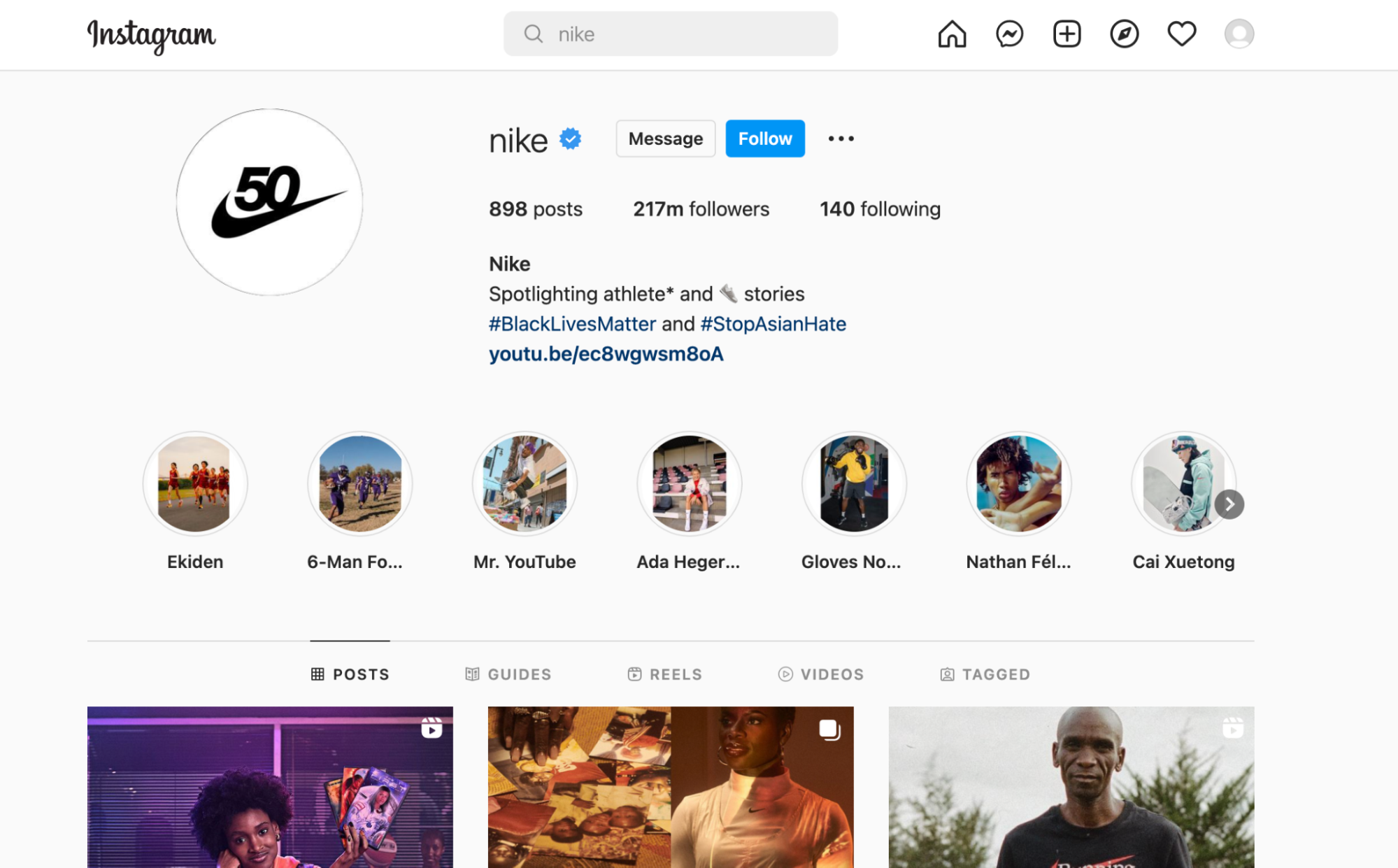
You can put hashtags in your profile description (see below).
To do this, simply click on the “Edit profile” button.
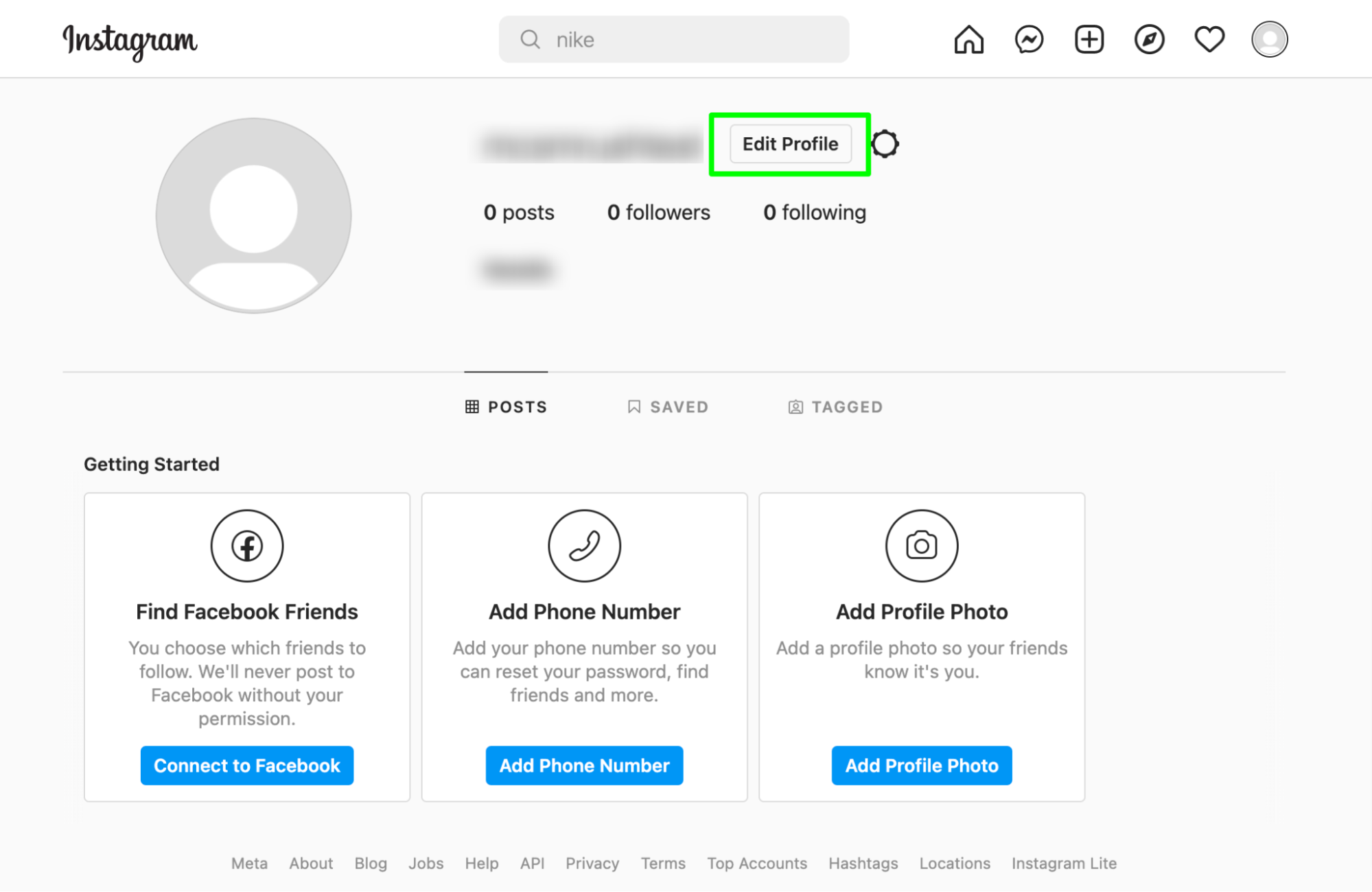
The second place to put hashtags is in your post itself (see below). All you have to do is use the # symbol in your caption, followed by the tag you want to link to.

Finally, you can add them to a comment on the posts you create. If a user is looking at your Instagram from a desktop, they will see this comment. However, if a user is on a mobile device, this comment will be hidden and only accessible if someone clicks “View all comments.”
One way to approach this strategy is by using our Social Media Poster to preschedule the comment to appear once you make your post. This way you can schedule all of your comment hashtags at the same time you create your posts. This feature only works on Instagram for now, but stay tuned!
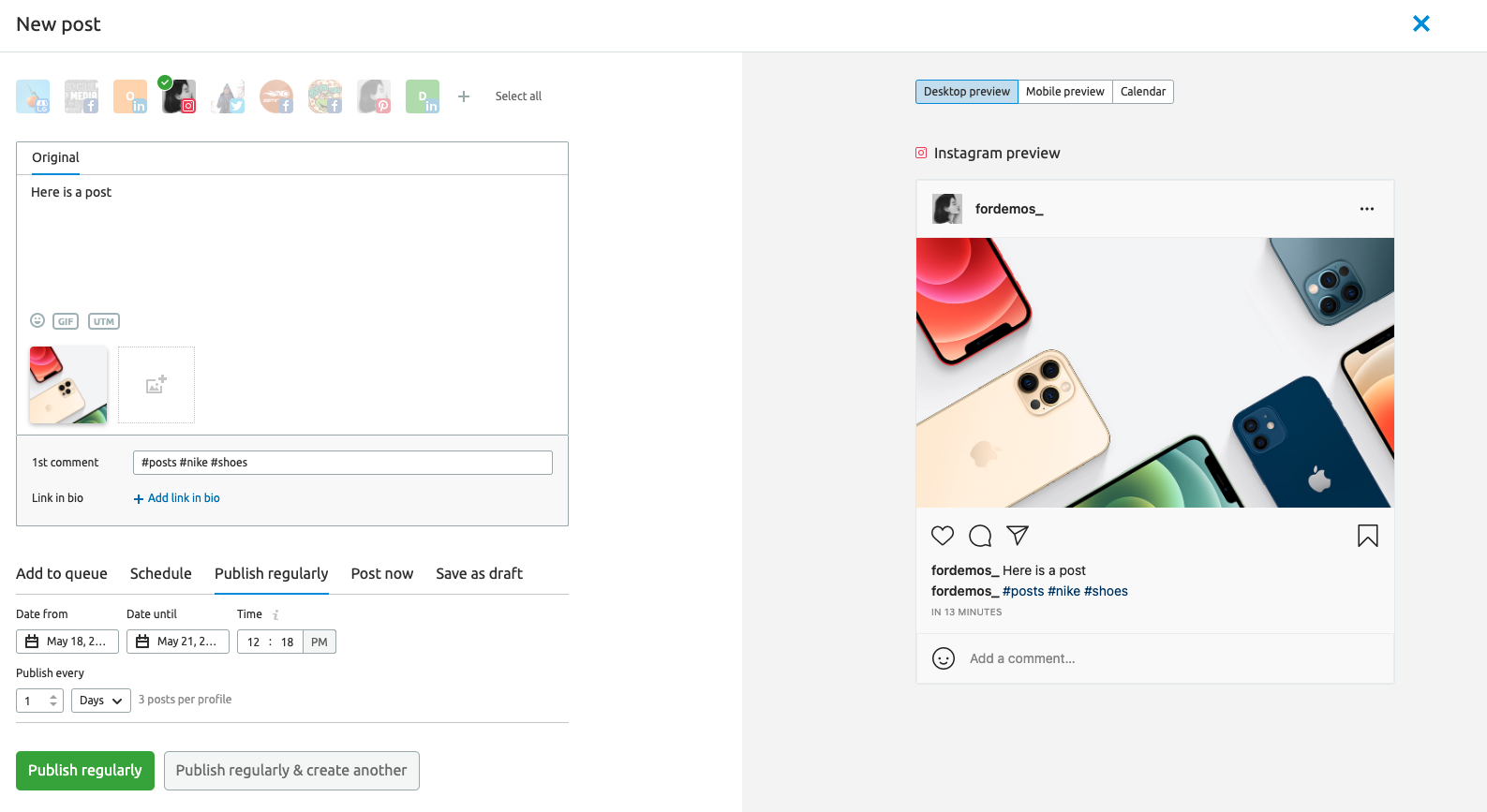
While Facebook has the option to add hashtags, they are nowhere near as popular as they are on other platforms.
In fact, debate is ongoing about whether hashtags do much of anything on Facebook. Some experts and business owners say they do; others say it hasn’t had much of an impact.
With that in mind, use your time wisely by limiting hashtags on Facebook to just one to two per post.
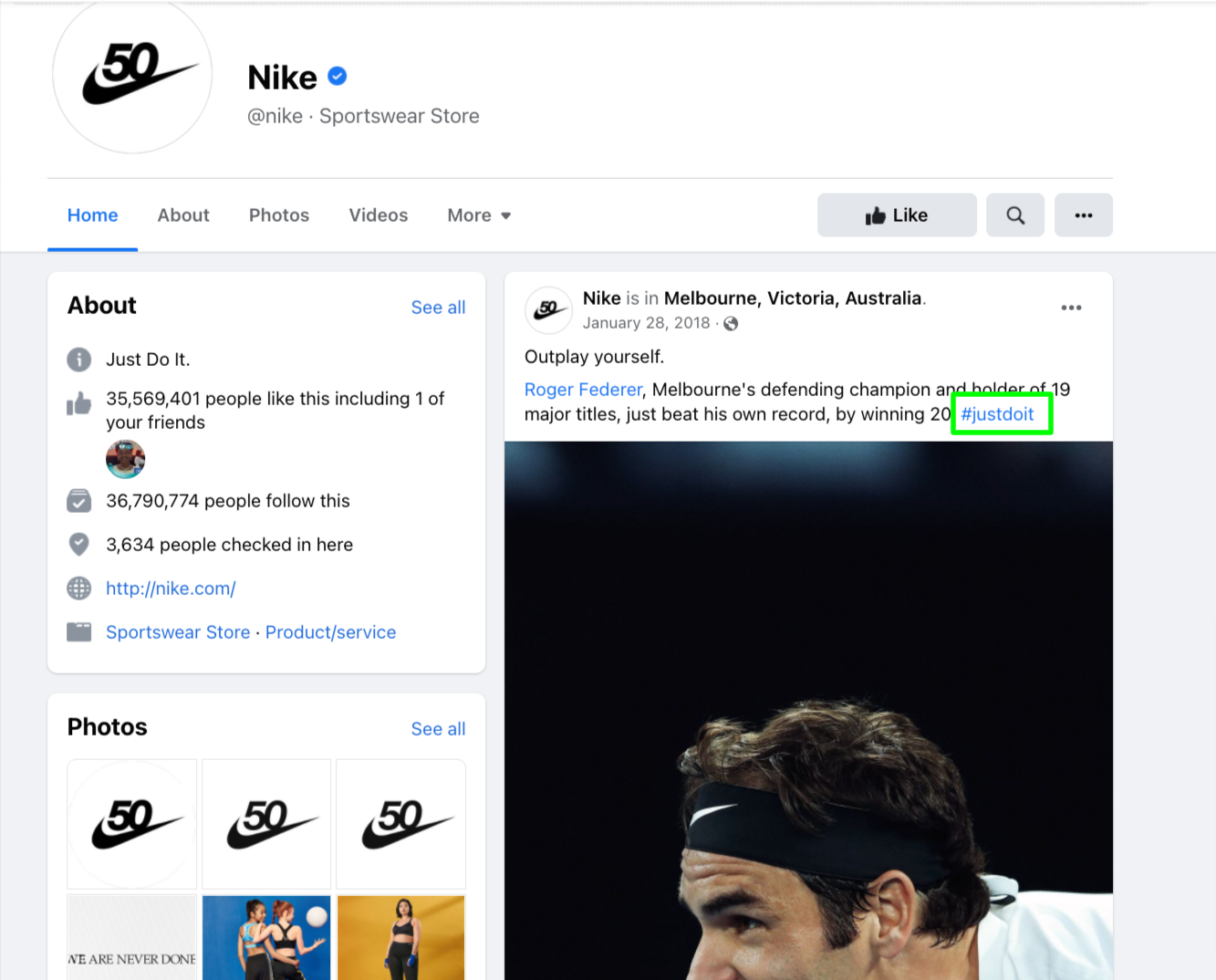
Twitter is the forebearer of hashtags and perhaps the most popular spot to use them. However, using hashtags on advertising Tweets can be tricky and may have the opposite intended effect (meaning: you might not be driving the kind of engagement you want).
Because of this, a best practice tip is to use hashtags in Tweets that start a conversation. This is better for organic reach, and it encourages users to engage with you on social media.
You can use a hashtag within a sentence, or at the end of one, for the most straightforward approach.

Twitter recommends that you use no more than two hashtags per Tweet for the best engagement rates.
LinkedIn makes using hashtags a breeze. When you create a LinkedIn update (post), you can either add your hashtags directly to your content or click “Add hashtags” at the bottom of your post (see below for a desktop example).
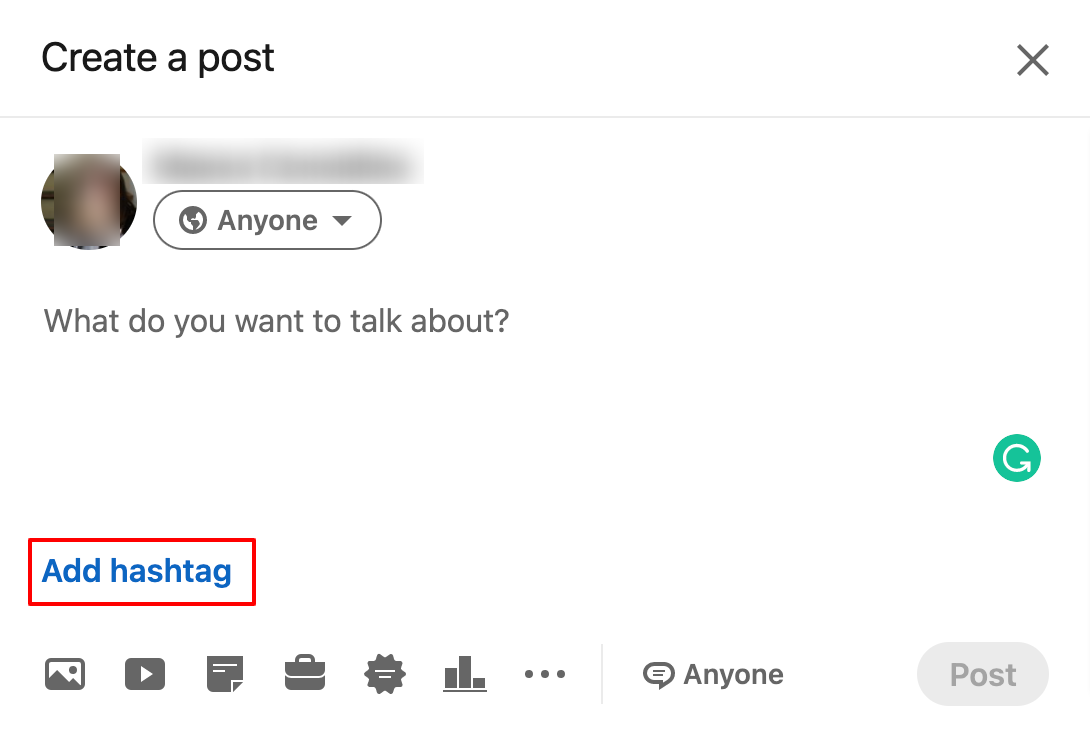
There is no limit to how many hashtags you can use; however, LinkedIn recommends no more than three per post.
Remember that LinkedIn is a network for professionals, so make sure that your hashtags reflect the nature of the platform and don’t contain any inappropriate language.
TikTok
TikTok, which allows users to post videos up to ten minutes long, saw tremendous growth in its user base in the last several years. Like other social platforms, TikTok uses hashtags to organize content and make it more easily discoverable.
TikTok is slightly unique in that users tend to mix highly popular hashtags with more niche hashtags, or branded hashtags, that are likely to draw in a smaller but more invested audience. An example of this would be Nike using #FYP (For You Page, which is the TikTok-curated feed) and #JustDoIt.
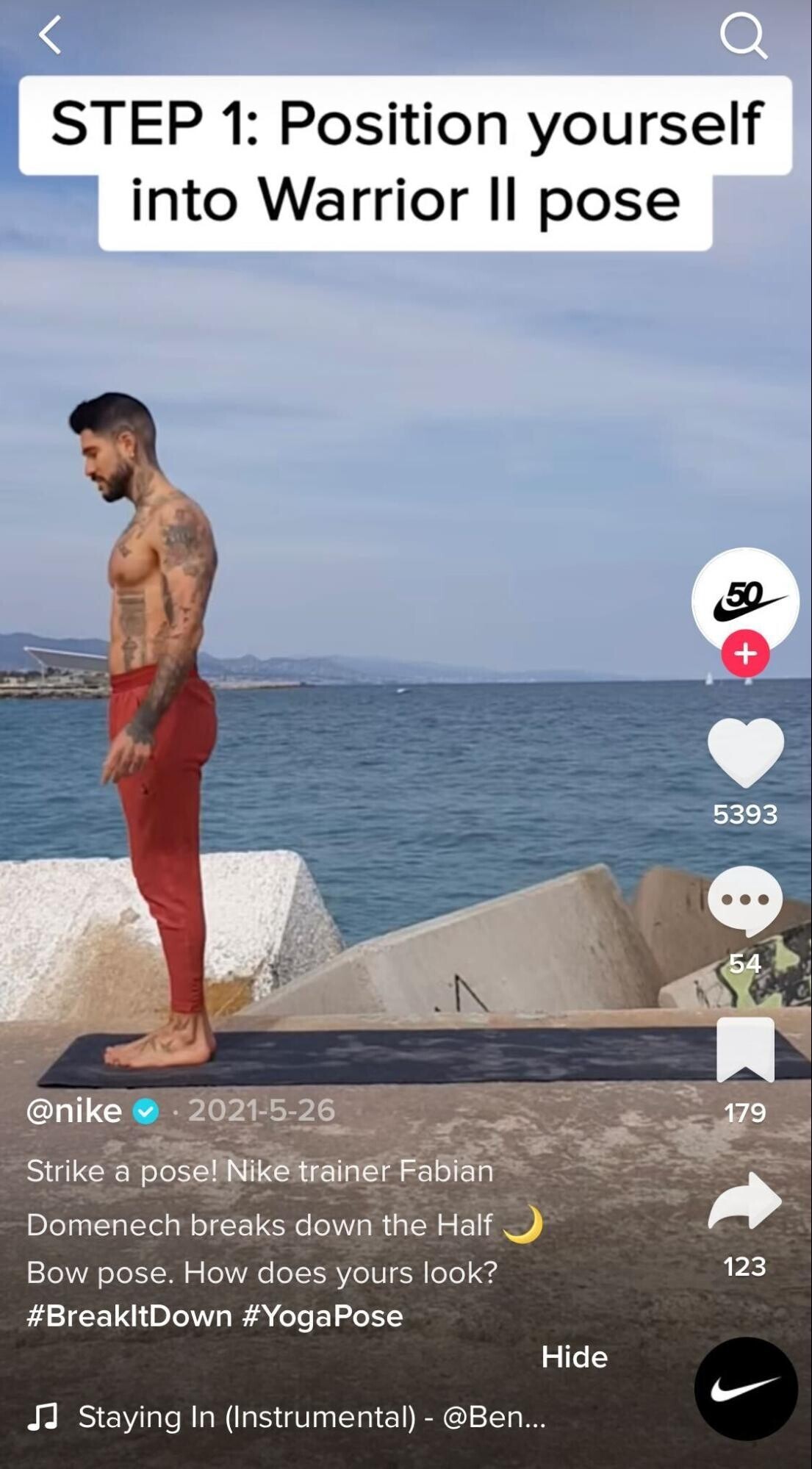
There are a few ways to source great hashtags on TikTok. First, check out what your competition is doing. Look at their most popular videos (that is, which videos have the most likes and views) and see what hashtags they used for that specific content.
The second way that you can source hashtags is by checking out what your followers are using. If Nike wanted to draw in shoeheads to their TikTok feed, they would be smart to look at their follower list and browse a few users profiles. Chances are these users are creating their own content with niche and popular hashtags related to shoes.
Another option is to create or follow an existing, popular hashtag challenge. Hashtag challenges are, as the name suggests, challenges or actions that are tied to a hashtag. Some users create hashtag challenges around dances, makeup, or pranks. Actually, the possibilities are virtually endless.

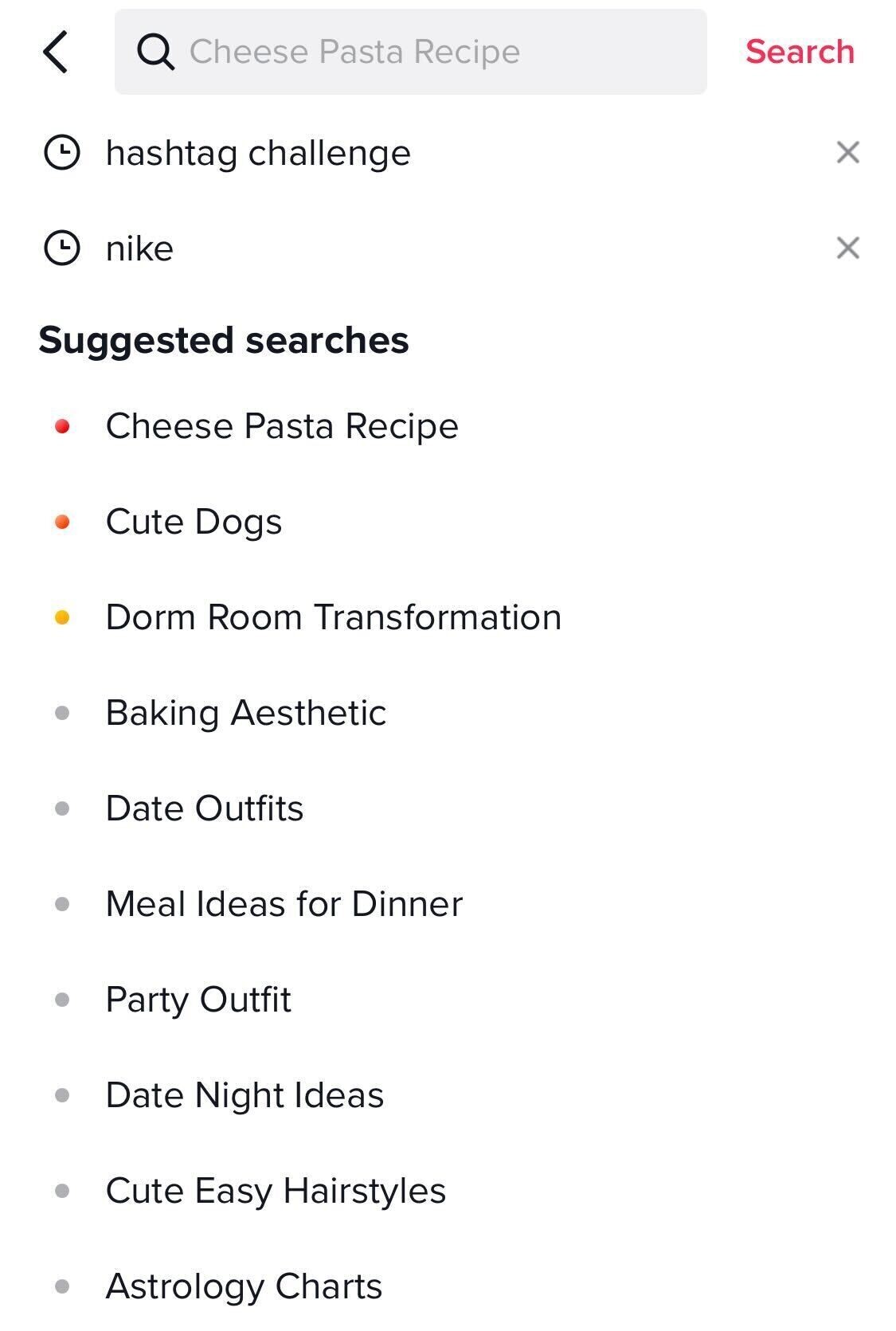
Finally, you can use the search bar to find popular topics being discussed on TikTok. TikTok also offers some of the most popular suggested searches you can browse to find more hashtag ideas.
How to Find and Organize Your Hashtags
One great way to source well-performing hashtags is to look at what your competitors are using. Semrush’s Social Media toolkit allows you to look into your competition’s best-performing hashtags, so you can start targeting them yourself.
Once you know which hashtags you want to use, the Semrush Poster can schedule your social media posts with the correct hashtags. That way, you don’t have to manage multiple posts across multiple platforms all by yourself.
Start getting creative with your messaging. Finding niche hashtags that speak directly to your audience about their problems or questions can endear users to your brand before they have a chance to find your competition.
Written by Semrush (Author: Maeva Considine)
Link to Original Link: https://www.semrush.com/blog/how-to-use-hashtags-to-increase-your-research-on-social-media/


